
Have you ever spent hundreds of hours playing Disney Dreamlight Valley, only to discover something that makes you stop and say, “WAIT… YOU CAN DO THAT?!” 😂 Because SAME.
Between decorating my Valley, collecting every shiny thing I see, befriending Disney characters, and getting distracted by approximately 47 side quests, I am constantly discovering little features I somehow overlooked.
After sharing my 15 Disney Dreamlight Valley Tips & Tricks I Wish I Knew Sooner, I decided to dig deeper. I shared 15 hidden features with the Reddit community, and players generously shared discoveries and corrected details. So here are 25 features, shortcuts, and decorating tricks—with a little help from fellow Valley residents! 💜
Grab your favorite cozy drink and your favorite critter, and let's explore! Some features require updates, friendship levels, quest progression, or paid expansions; availability may change with patches.
New to my Valley? Start with my Disney Dreamlight Valley review and existing Valley tips.
🎀 Customization & Decorating Secrets
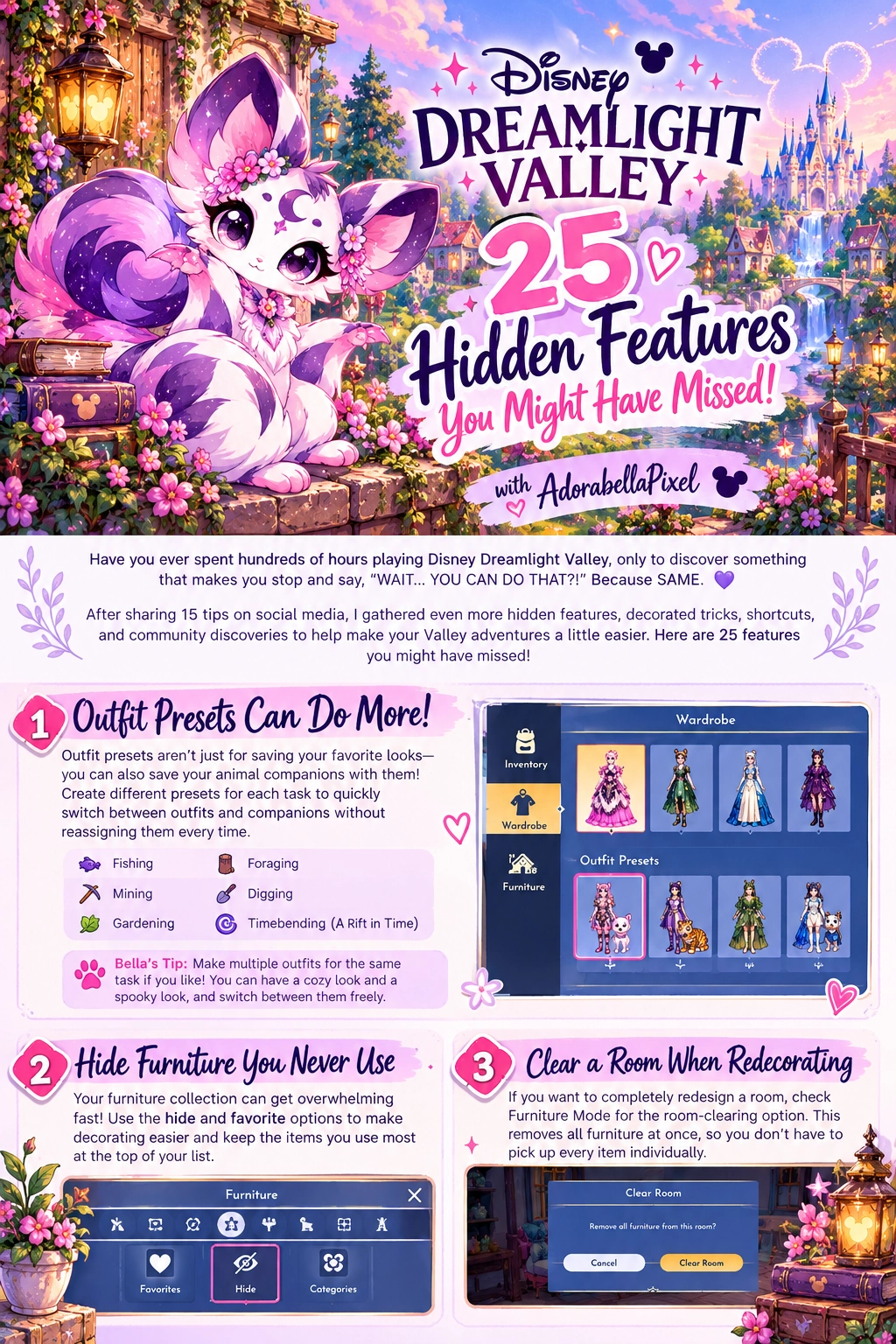
1. Outfit Presets Can Do More Than Save Your Favorite Looks!
Save different outfits for fishing, mining, gardening, foraging, digging, and (with A Rift in Time) timebending. A Reddit community member suggested saving activity-specific companion combinations with each outfit. Check your saved preset’s companion choices after equipping it, because companion handling can vary with updates. That way you can switch your look and preferred critters together instead of hunting through menus.
Bella’s Tip: Make two versions of your favorite mining outfit for different moods. Organized AND adorable! 💜
2. Hide Furniture You Never Use
If your furniture collection is overflowing, use available favorites, filters, and hide options to find the pieces you actually decorate with. The precise controls may differ by platform and game update.
Bella’s Tip: Favorite the decorations you reach for most often. 💜
3. Clear a Room When You Want to Redecorate
Before removing every item one by one, check Furniture Mode for the room-clearing option. Be sure you have the right room selected. This feature clears a room so you can start decorating again without individually putting every piece away.
Bella’s Tip: Take a screenshot of the original room before starting over. 💜
4. Speed Up Cooking With Jafar's Cooking Station!
Reddit players reported that Jafar's cooking station can skip the ingredient-loading animation, making repeated meals faster. Favorite a recipe, load its ingredients, cook, and repeat. The station is tied to Jafar’s friendship progression in the paid A Rift in Time expansion. This shortcut is community-reported rather than a guaranteed official feature, so test it in your current patch. You can also turn off the cooking results-screen animation in Settings without owning the expansion!
Bella’s Tip: Pumpkin Puffs are a popular batch-cooking choice! 💜
5. Make Fishing More Comfortable
Look through accessibility settings for alternate fishing controls, including holding the button instead of repeated tapping. The hold-button option is available for fishing and timebending; check your platform’s current control prompts.
Bella’s Tip: It's worth checking accessibility settings even if you've played for years. 💜
🐾 Animal Companion Features
6. Animal Companions Can Offer More Than Cuteness
Animal companions now have friendship levels, unlockable rewards, and resource-related benefits. Check the Companion menu to see what your critter can unlock as you spend time together. The extra benefits vary by companion and friendship progression—so that adorable little friend can be helpful, too!
Bella’s Tip: Matching your critter to your outfit is also a perfectly good reason to bring one. 💜
7. Explore Two-Companion Options
You can equip two animal companions at once from the Companion menu. Both gain friendship experience, and their bonuses stack—including inventory space and resource-finding benefits. Check each companion’s unlocked benefits before choosing your little adventure team.
Bella’s Tip: Try pairing critters with your themed outfits. 💜
8. Personalize Your Animal Companions
Explore companion naming and personalization options in the Companion menu. Companions without a predetermined character name can be renamed; named Disney characters keep their established names. Not every reward or customization is available from the start.
Bella’s Tip: A cute critter deserves a memorable name! 💜
9. Build a Companion Neighborhood
Place companion homes and accessories to create a woodland sanctuary, spooky critter village, or pastel playground. Add paths, flowers, and benches to tie it into your Valley.
Bella’s Tip: Keep pathways open so the area is easy to navigate. 💜
💛 Villager Friendship Secrets
10. Friendship Features Go Beyond Level 10
Friendship now adds interactions and benefits beyond the familiar standard level-10 rewards. Once an eligible villager reaches level 10, the friendship star changes to a Gold Heart bar. Hang out to fill it and activate a limited Best Friend Glow once per day. Level 10 also lets you fast-travel to eligible friends through the map! Check each villager's current dialogue and friendship options as you progress.
Bella’s Tip: Revisit old friends after major updates. 💜
11. Villagers Can Help Find Items Before Level 10
A Reddit correction pointed out that eligible villagers can offer daily item-finding help at friendship level 7, tied to their assigned base-game role—not only at level 10. The official Pixel Perfect update confirms it! Request one item related to their role from a biome you have unlocked, then return the next day to collect it. You can ask multiple eligible friends. At level 2 you can assign a role; level 10 brings additional Best Friend benefits. Character exceptions and quest prerequisites apply: Ariel needs additional progression before role assignment, and Ursula has special restrictions. Check your available dialogue options.
Bella’s Tip: Check villager dialogue at level 7 instead of waiting for level 10. 💜
12. Best Friend Glow Is About Flexibility, Not Bigger Bonuses
Community members clarified that when Best Friend Glow is active, an eligible friend can give the appropriate task bonus even if the task differs from their assigned role. For instance, a gardening friend may help with mining. The official description promises maximum-level bonuses for all roles while Glow lasts. This does NOT promise a larger bonus than a properly assigned mining villager; community reports of extra-large bonuses should not be treated as a guaranteed mechanic. Sprinting during Glow uses up its remaining duration instead of your stamina, so enjoy that magical outing while it lasts!
Bella’s Tip: Enjoy hanging out with your favorite character while changing tasks! 💜
13. Change a Villager's Profession
Craft the appropriate Training Manual, then gift it to an eligible villager to change their assigned role. Since the Pixel Perfect update, manuals can be used at any friendship level—you no longer need to wait for level 10. This helps rebalance your mining, gardening, fishing, digging, and foraging helpers. Expansion roles still require their corresponding expansion.
Bella’s Tip: Plan your roles around what you gather most. 💜
14. More Villagers in the Same Profession Can Improve Bonuses
Having multiple leveled villagers assigned to a role can increase bonus resource chances when you're hanging out with a villager assigned to that task. Role-matched help still matters outside special effects such as Glow.
Bella’s Tip: A gardening-heavy roster is useful for frequent pumpkin harvests. 💜
15. Floating Islands Give You More Decorating Space
Once unlocked through the relevant game progression, Floating Islands offer additional areas for themed builds, seasonal projects, and layouts too large for your main Valley. Complete What’s Left Behind, then speak with Merlin for Islands in the Sky. The original Valley islands do not require a paid expansion; expansion-themed islands require the matching expansion, such as The Storybook Vale for its islands.
Bella’s Tip: Use one island for a dedicated seasonal build. 💜
🛋️ 10 Bonus Features: Decorating & Furniture
16. Import Furniture Presets Using Share Codes
To import a shared preset, open Furniture Mode, go to the Presets tab, select Add New Import Preset, and type the creator's share code. Follow the prompts and check the current platform controls. Share codes stay valid for 14 days. You do not have to own every item to preview a design: Mirage Items stand in for missing furniture. They are placeholders, not free furniture. Follow an available item’s purchase link or replace its placeholder with a piece you own; some items may currently be unavailable.
Bella’s Tip: Share your cottagecore, spooky, and pastel build codes with other decorators! 💜
17. Move Your Villagers' Houses
Many houses can be relocated in Furniture Mode. Create themed neighborhoods or free up space for paths; some buildings and placements have restrictions.
Bella’s Tip: Group houses by your favorite themes. 💜
18. Create Your Own Resource Forest
Arrange eligible trees in an accessible spot for easier wood collection. Wood spawning depends on the biome and eligible trees, so test your layout.
Bella’s Tip: Leave space around the trees to spot drops. 💜
🌱 Farming & Resource Secrets
19. Grow Crops in Their Preferred Biomes
Crops grow faster in their native biome—usually the biome where their seeds are sold. The native-biome growth bonus is 10%. Pumpkins, for example, benefit from growing in the Forgotten Lands. Check the crop’s collection information when planning expansion gardens, rather than assuming every seed seller defines its preferred biome.
Bella’s Tip: Build your main pumpkin patch where the seeds are sold. 💜
20. Use Miracle Pickaxe Polish for Mining
Apply Miracle Pickaxe Polish to boost your Royal Pickaxe for a limited number of uses. Pair it with a mining-role villager for a focused gem-gathering run.
Bella’s Tip: Save polish for when you have a route planned. 💜
21. Grow Crops Instantly With Growth Elixirs
Apply Miracle Growth Elixir (or its stronger version) to your Royal Watering Can, then water eligible crops that need watering for an immediate growth boost.
Bella’s Tip: Keep an elixir for time-sensitive quest crops. 💜
22. Use Linked Storage Chests
Vintage Chests share inventory across compatible placed chests; ordinary crafted chests store their own separate contents. Place shared access points where you frequently gather resources.
Bella’s Tip: Use ordinary chests for labeled collections and shared storage for essentials. 💜
23. Check Scrooge's Store Regularly
Shop inventory rotates, with furniture and clothing offerings affected by purchases and progression. A quick visit can reveal a decoration you've been waiting for.
Bella’s Tip: I go in for one thing and somehow leave with five! 😂 💜
🐿️ Critter & Expansion Secrets
24. Different Critters Require Different Approaches
Squirrels are easy to approach; rabbits invite a chase; raccoons and crocodiles reward careful stop-and-go movement; sea turtles require waiting for them to emerge from their shells. Check favorite foods to improve your critter-feeding routine.
Bella’s Tip: Watch the critter's behavior before moving closer. 💜
25. Automate Chores With Ancient Machines
With the paid A Rift in Time expansion and enough progression, Ancient Machines can assist with gardening, cooking, and collecting certain nearby resources. Craft and upgrade the relevant machines to suit your routine.
Bella’s Tip: They're perfect when you want to spend more time decorating and less time doing chores. 💜
🍂 A Little Autumn Magic in My Valley
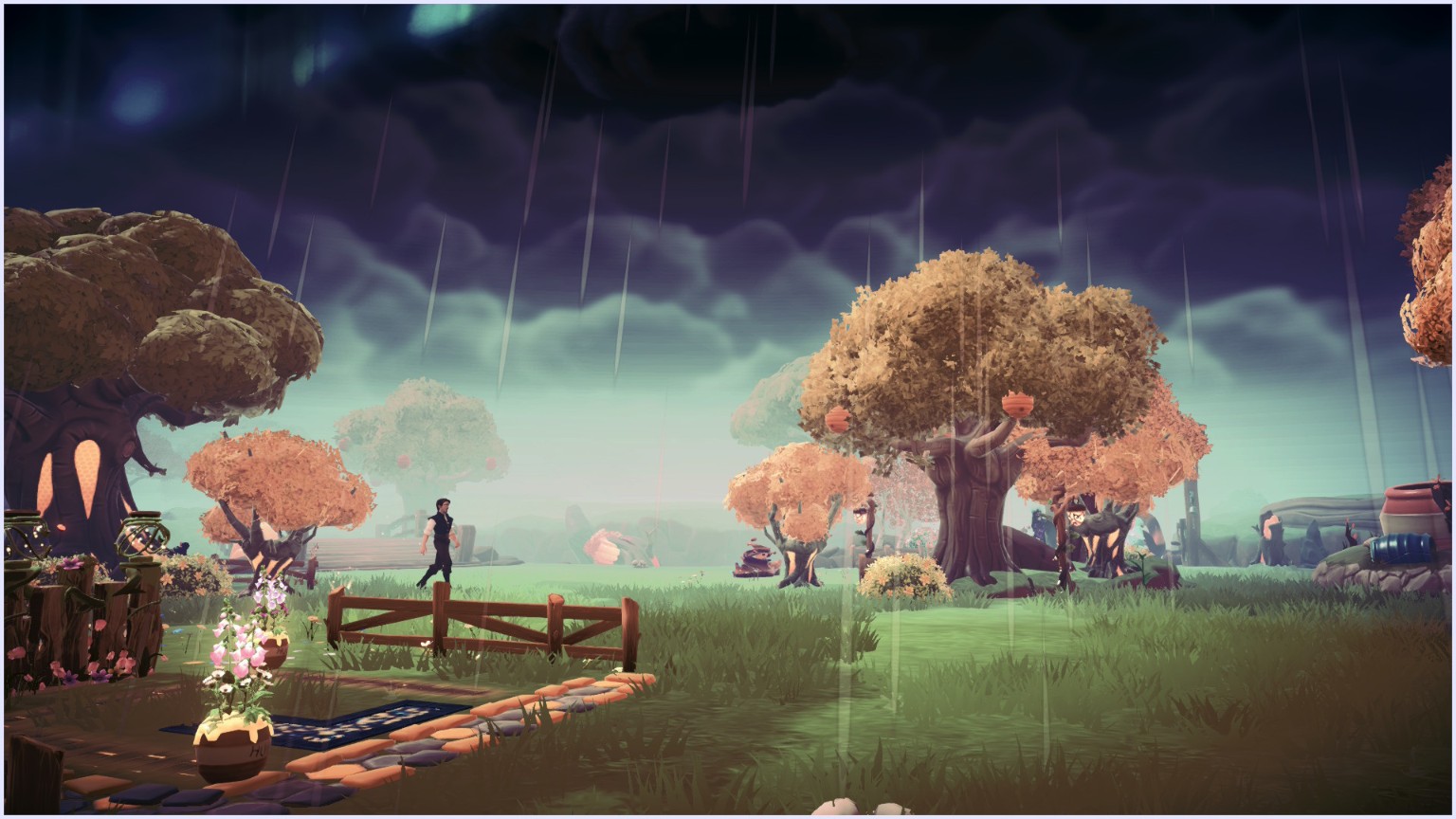
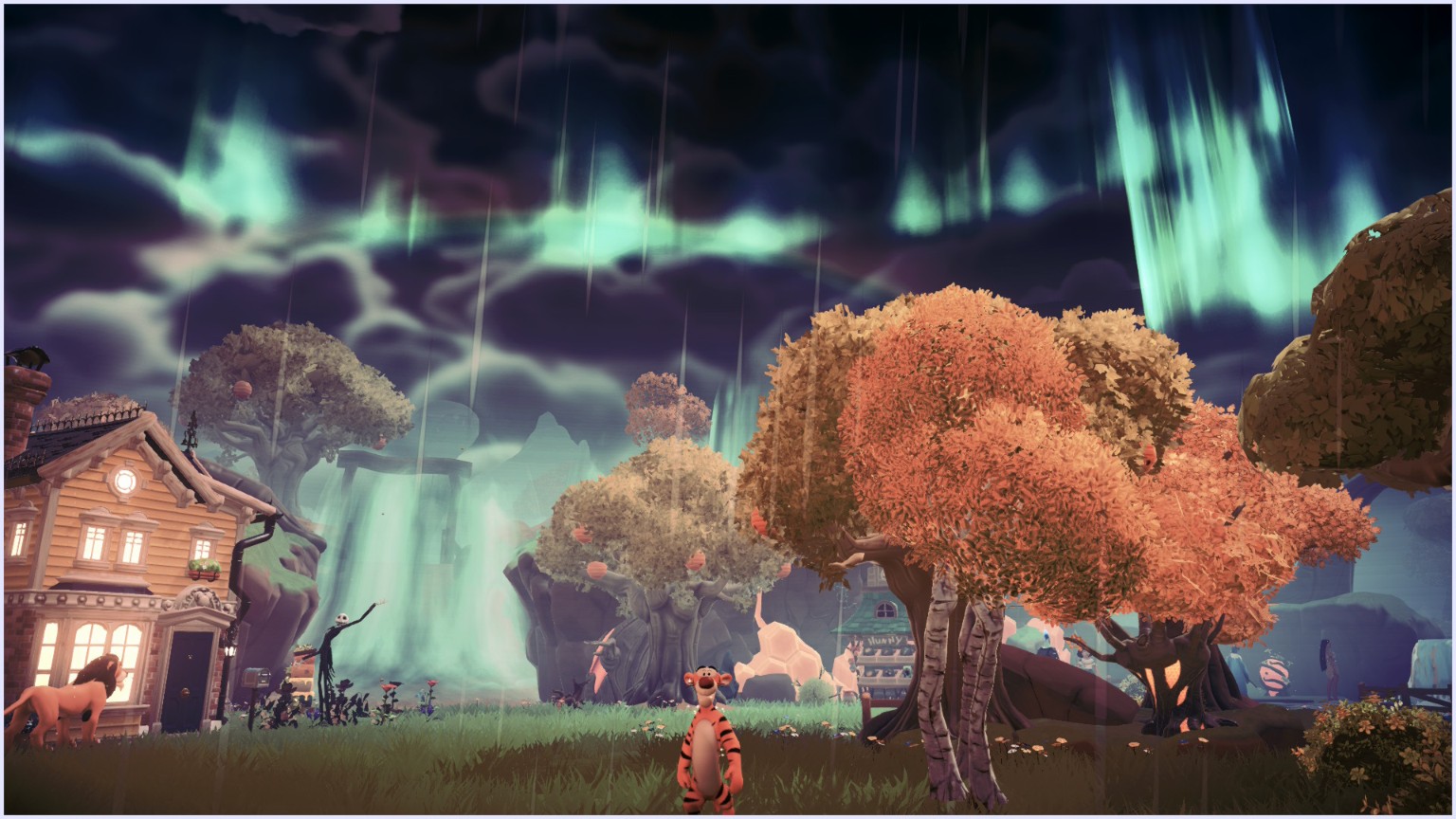
Of course, I couldn't share a Disney Dreamlight Valley guide without including a few screenshots from my own adventures! Between Hades' dramatic blue flames, the gorgeous autumn trees, and the magical skies, I couldn't resist stopping to take pictures. Sometimes my favorite part of cozy gaming is wandering around and taking a ridiculous number of screenshots. 😂💜
💜 A Special Thank You to the Disney Dreamlight Valley Community!
When I first shared my 15 hidden features on Reddit, I wasn't expecting so many helpful conversations. Players shared clever outfit-and-companion presets, Jafar's fast cooking station, the earlier item-finding unlock, and an important correction about Best Friend Glow. Thank you to everyone who contributed. Nobody knows everything about a game that keeps changing, and that's exactly why I love cozy gaming communities! 💜 I'll keep this guide updated as mechanics change.
💬 Let's Chat: What Did I Miss?
How many of these 25 features did you already know? What's one feature you discovered embarrassingly late? Have you imported furniture presets with share codes? Leave a comment and share your discoveries!
Until next time, stay cozy, embrace your inner loot goblin, and remember: Progress over perfection… and there's always room for one more side quest! 💜🐉
With love and a little gaming chaos,
Bella | AdorabellaPixel | adorabellapixel.com
Join my cozy community to share your discoveries.
🎮 More Cozy Gaming Guides
- Disney Dreamlight Valley tips & tricks — continue with the tips in my existing review.
- Paleo Pines Beginner Tips & Dinosaur Friendship Guide
- October & November 2026 Game Releases
- More Disney Dreamlight Valley guides
- All Game Reviews & Guides
📚 Gameplay Notes & Sources
Checked against the official updates available on October 9, 2026. Companion and friendship features arrive through free updates; timebending, Jafar, and Ancient Machines require A Rift in Time. Expansion-themed islands need their matching expansion. The Jafar animation shortcut and outfit-companion combinations are community discoveries to test in your current game.
- Dapper Delights update: outfit presets, favorites and hidden furniture, room clearing, hold-button controls, and the cooking-results animation setting.
- Mysteries of Skull Rock update: companion friendship and naming.
- The Unwritten Realms update: two companions, shared experience, and stacked bonuses.
- Pixel Perfect update: level-7 item requests, Gold Heart and Best Friend Glow, Training Manuals at any friendship level, and expansion islands.
- September 23 update: 14-day preset share codes and Mirage Items.
- October 8 hotfix: the latest checked fixes.
- Official Floating Islands explainer and A Rift in Time overview.
- Community-maintained reference: crop growth, linked Vintage Chests, and Growth Elixirs.
Disney Dreamlight Valley is developed and published by Gameloft. Independent fan-created guide; not affiliated with or endorsed by Disney or Gameloft.